
Brother Printers
Showing all 19 results









Showing all 19 results
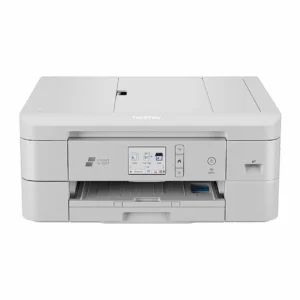
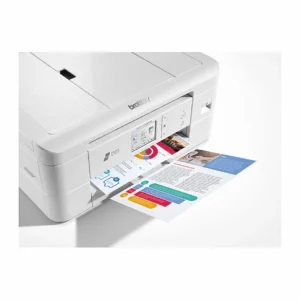
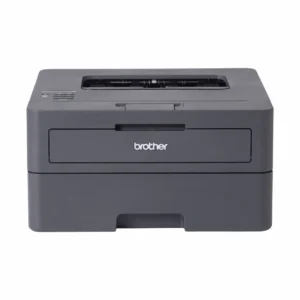
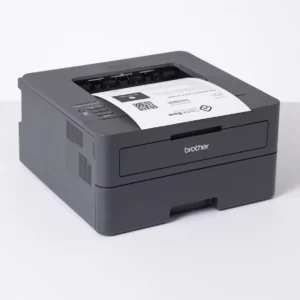
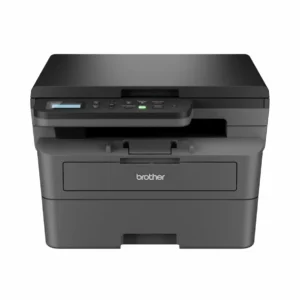
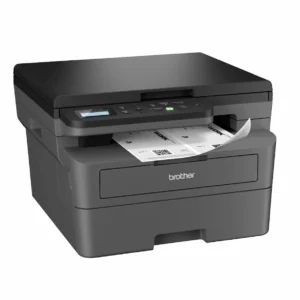
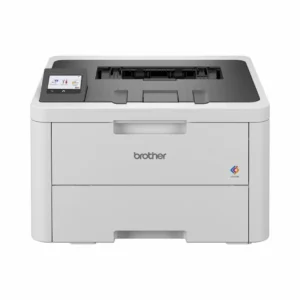
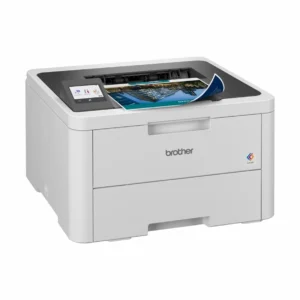
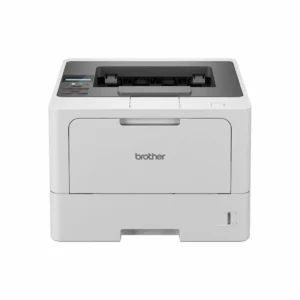
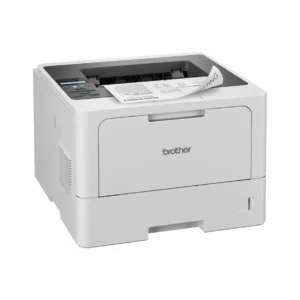
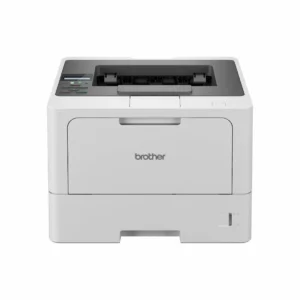
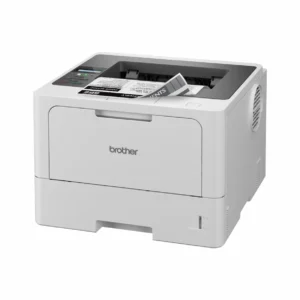
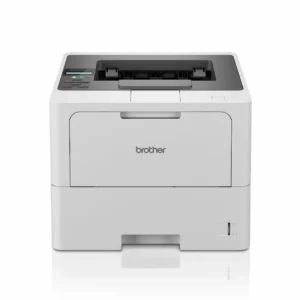
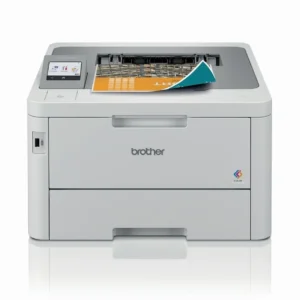
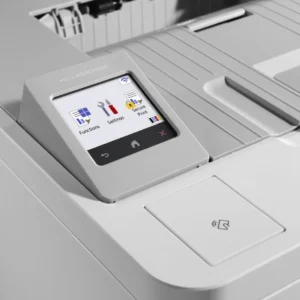
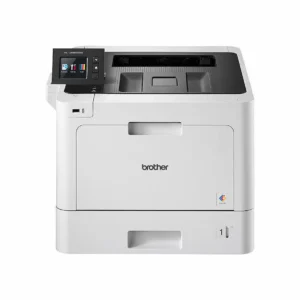
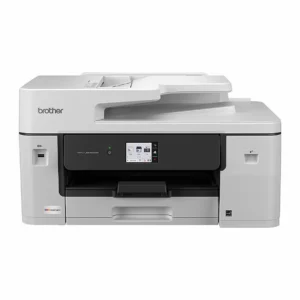
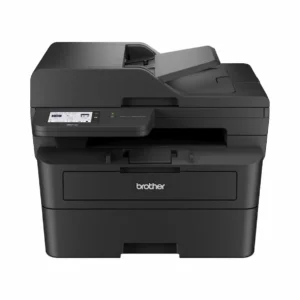
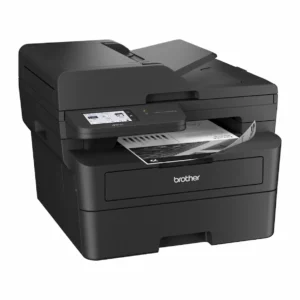
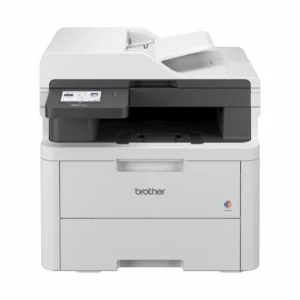
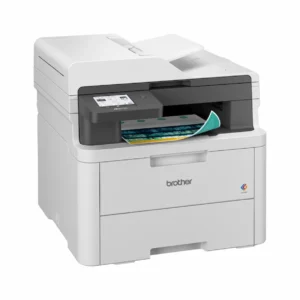
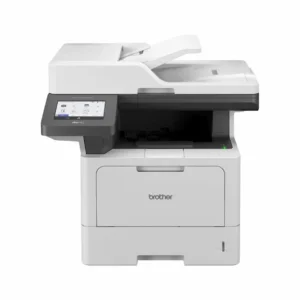
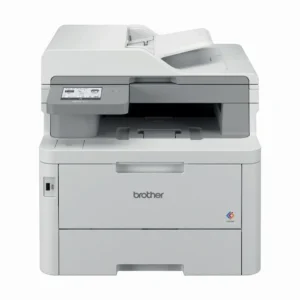
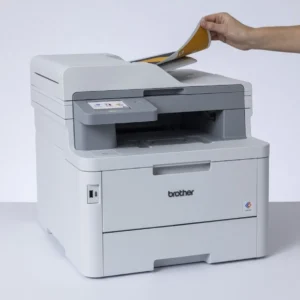
Brother printers are well-known for their speed, durability and low running costs, making them a dependable choice for homes, offices and workplaces across Australia. At Inkjet Online, we offer a selected range of Brother laser printers, Brother colour laser printers, inkjet printers, and Brother multifunction models designed to handle everything from everyday documents to high-volume business printing.
Mono laser printers are ideal for sharp, efficient black-and-white printing, while Brother colour laser printers deliver vibrant, professional-quality colour output. For users needing versatility, Brother multifunction printers combine printing, scanning and copying in one compact device. We also offer Brother colour inkjet printers for customers who prefer a flexible option suited to photos, school work and general home use.
All Brother printers available on our website are supported by a full range of genuine Brother consumables, including toner cartridges, ink cartridges, drums and belt units. You can easily find the right supplies using our Search by Printer tool or by browsing our Brother categories.
With warehouse locations in Adelaide, Melbourne, Sydney, Brisbane and Perth, orders are dispatched quickly from the closest warehouse for fast delivery across Australia.