
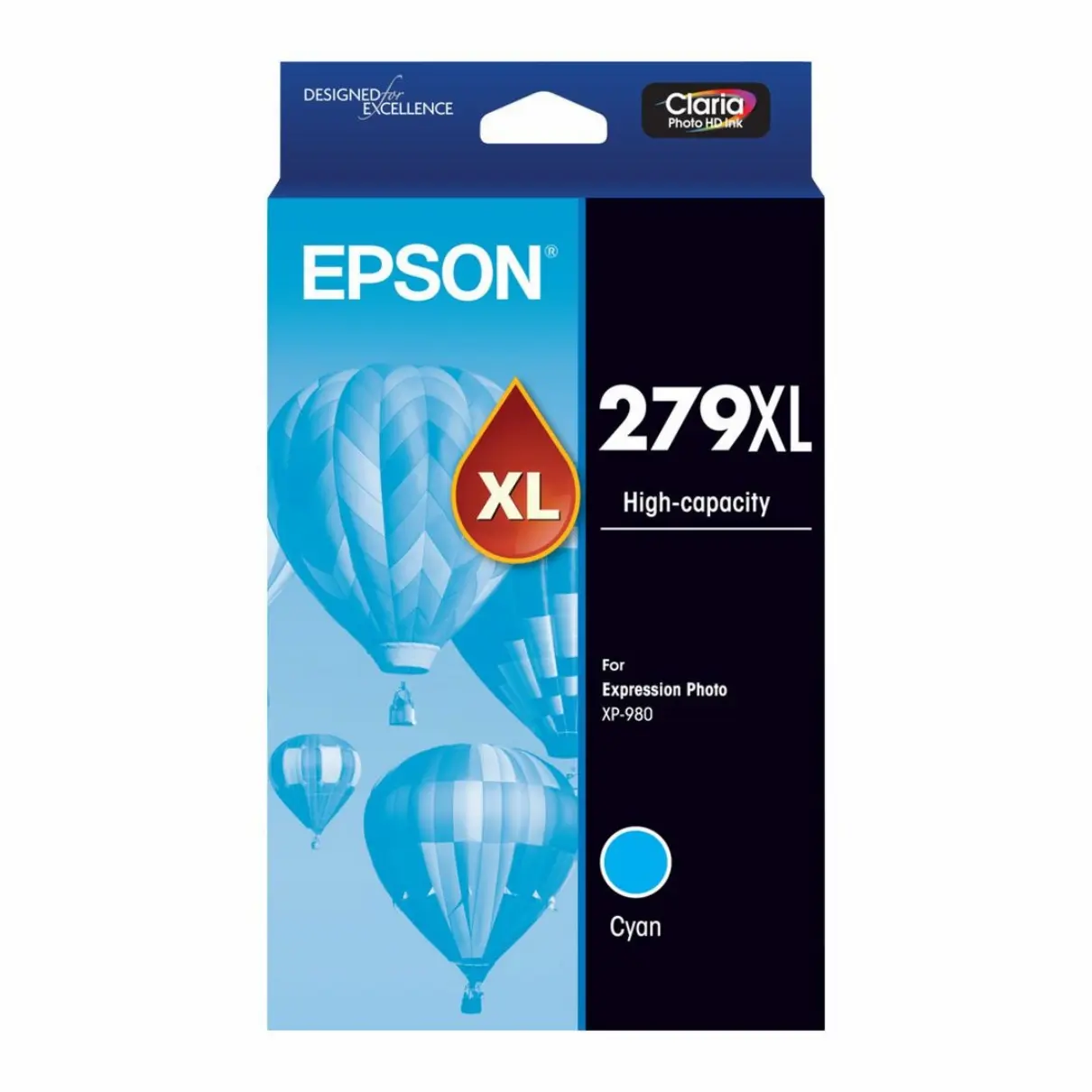

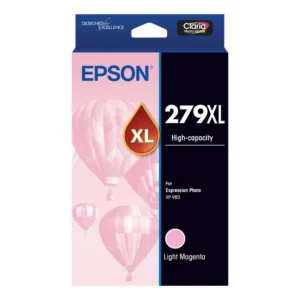
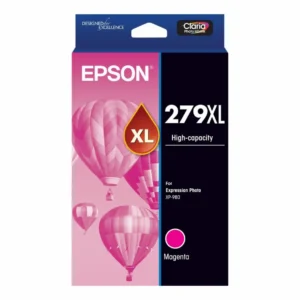
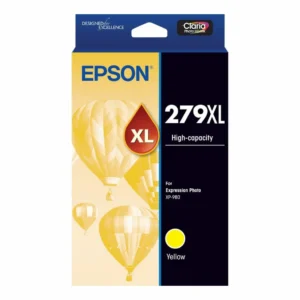
Epson 279XL Cyan Ink Cartridge
The Epson 279XL Cyan Ink Cartridge is a high-yield cyan ink cartridge designed for the Epson Expression Photo XP-980 printer.
It forms part of the printer’s individual colour ink system, allowing the cyan cartridge to be replaced separately when required rather than replacing colours that still contain ink.
The Epson 279XL colour cartridges are commonly specified with a yield of up to 740 pages. For colour cartridges, however, published yields can be based on composite colour testing rather than the output of an individual cyan cartridge in isolation. Actual usage will depend heavily on the colours, images and coverage being printed.
Product Details & Key Features
- Epson 279XL Cyan Ink Cartridge
- High-yield XL capacity
- Ink colour: Cyan
- Published colour yield: Up to 740 pages
- Designed for the Epson Expression Photo XP-980
- Individually replaceable colour cartridge
- Suitable for colour documents, graphics and photo printing
- Replace only the colour that requires replacement
- Product code: C13T16L292
Compatible Printer
- Epson Expression Photo XP-980
Always check your printer model and cartridge number before ordering, particularly as similarly named Epson Expression Photo printers may use different ink cartridge ranges.
Page Yield Information
The Epson 279XL colour cartridge range has a published yield of up to 740 pages.
Colour ink yields may be quoted using a composite colour yield, where cyan, magenta and yellow cartridges are tested together under standardised printing conditions. This means the 740-page figure should not necessarily be interpreted as the number of pages that can be printed using the cyan cartridge alone.
Actual cartridge life varies according to page coverage, colours being printed, image content, print quality settings, frequency of use and printer maintenance. Photo printing and high-coverage colour documents can consume considerably more ink than standard test pages.
Replacing Your Epson Ink Cartridge
When your printer indicates that the cyan cartridge requires replacement:
- Leave the printer switched on and start the cartridge replacement procedure.
- Open the cartridge access area as directed by the printer.
- Remove the depleted Cyan cartridge.
- Unpack the replacement cartridge only when you are ready to install it.
- Remove only the protective material specified in Epson’s instructions.
- Insert the cartridge into the correct Cyan position and make sure it is properly seated.
- Allow the printer to complete its cartridge recognition and ink preparation process.
Avoid touching the cartridge chip or ink supply areas during installation.
Maintaining Print Quality
If colours appear incorrect, faint or have missing lines after installing a cartridge, first use the printer’s nozzle check function.
Only perform a print-head cleaning when the nozzle check indicates it is necessary. Inkjet printers use ink during cleaning and maintenance cycles, so repeated unnecessary cleaning can reduce cartridge life.
Printer Firmware Updates
Epson may periodically provide firmware updates for printer functionality, maintenance, security or compatibility.
If your printer displays an ink recognition message following an update, first confirm that the cartridge is correctly installed and that the cartridge product number is suitable for your exact printer model.
Storage & Handling
Keep unopened cartridges in their original packaging until they are required. Store cartridges in a cool, dry location away from direct sunlight and excessive heat.
Do not touch the cartridge chip or ink outlet, and install cartridges according to the instructions provided with your Epson printer.
Delivery Information
We ship from warehouses located in Adelaide, Melbourne, Sydney, Brisbane and Perth. Orders are dispatched quickly from the nearest warehouse for fast delivery across Australia.
Frequently Asked Questions
Which printer is compatible with the Epson 279XL Cyan cartridge?
This cartridge is designed for the Epson Expression Photo XP-980.
What is the page yield?
The published colour yield is up to 740 pages. Actual yield will vary depending on print content, settings, usage and maintenance.
Is the 740-page yield specifically for the cyan cartridge?
Colour cartridge yields may be determined using composite colour testing rather than measuring each colour independently. The figure should therefore be treated as a comparative published yield rather than an exact number of cyan-only pages.
Can I replace just the cyan cartridge?
Yes. The printer uses individually replaceable cartridges, so you can replace the cyan cartridge when required without replacing colours that still contain ink.
Why does the printer use colour ink during maintenance?
Inkjet printers use small amounts of ink during automatic maintenance and print-head cleaning to maintain reliable operation and print quality.
Should I clean the print head after installing a new cartridge?
Not routinely. Print a nozzle check first and only perform a cleaning cycle if the results indicate that cleaning is necessary.
What is the product code?
The product code is C13T16L292.
Reviews
There are no reviews yet.