
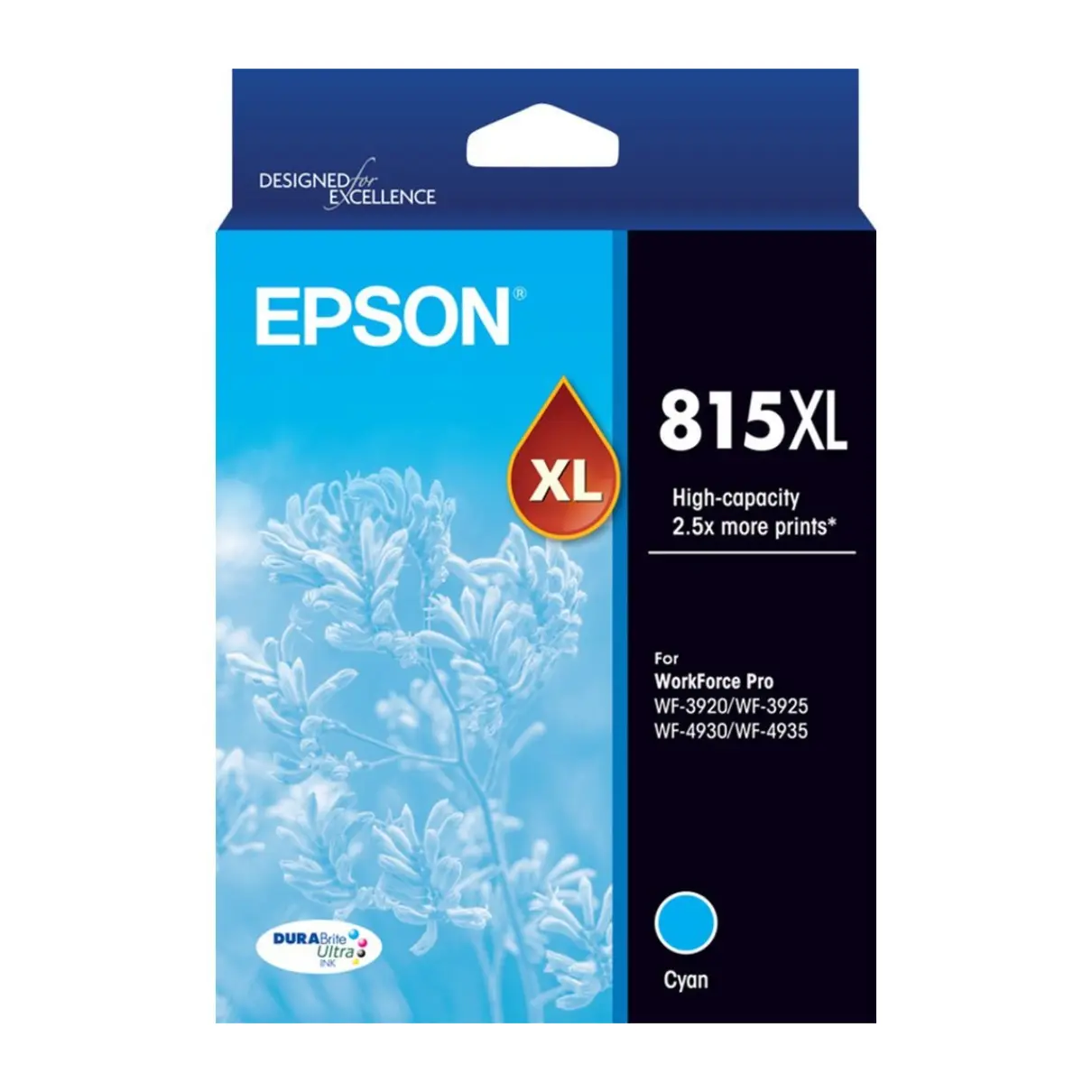


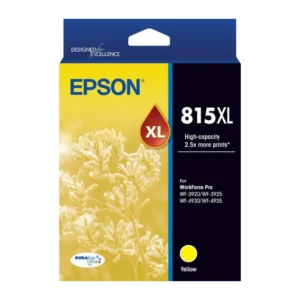
Epson 815XL Cyan Ink Cartridge
The Epson 815XL Cyan Ink Cartridge C13T17F292 contains genuine Epson DURABrite Ultra pigment ink for vibrant colour documents and clear graphics. It produces fast-drying prints that resist water, fading and smudging, making it suitable for presentations, reports and everyday business printing.
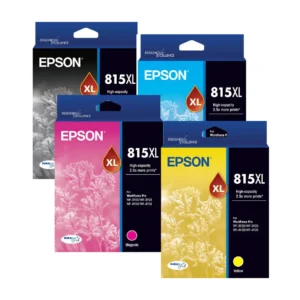
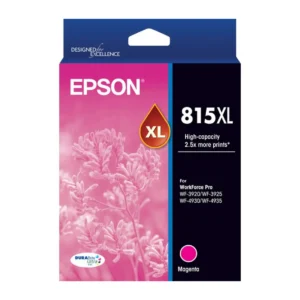
The high-capacity Epson 815XL colour cartridges have a published composite colour yield of up to 1,200 pages. This larger capacity allows longer intervals between replacements than the standard-capacity Epson 815 Cyan cartridge.
Product Details
- Brand: Epson
- Cartridge series: Epson 815XL
- Epson product number: C13T17F292
- Ink colour: Cyan
- Ink technology: DURABrite Ultra pigment ink
- Cartridge type: Genuine Epson ink
- Capacity: High capacity
- Published page yield: Up to 1,200 pages — composite colour yield
- Pack contents: 1 cyan ink cartridge
Composite colour yield is based on combined testing of the cyan, magenta and yellow cartridges. It is not a guarantee of 1,200 pages printed using cyan alone. Actual yield varies according to print coverage, settings, printing frequency and maintenance usage.
Key Features
- Genuine Epson DURABrite Ultra cyan pigment ink.
- High-capacity range with a published composite colour yield of up to 1,200 pages.
- Produces vibrant colour for charts, presentations and everyday documents.
- Fast-drying prints that resist water, fading and smudging.
- Highlighter-friendly ink for working documents and study notes.
- Fewer cartridge replacements than the standard-capacity Epson 815 Cyan.
- Individual cartridge replacement lets you replace cyan separately when needed.
Why Choose Genuine Epson Inks?
Genuine Epson cartridges are designed for your compatible printer’s ink delivery system and print head, supporting consistent print quality and reliable cartridge recognition.
Using genuine Epson inks also avoids the third-party cartridge compatibility concerns associated with firmware changes. Epson releases firmware updates to address security issues, improve performance and fix bugs. Non-genuine or altered cartridges that previously worked may stop functioning after an update.
Keep your printer maintained and follow Epson’s firmware update instructions to help it operate as designed.
Compatible Printers
- Epson WorkForce Pro WF-3920
- Epson WorkForce Pro WF-3925
- Epson WorkForce Pro WF-4930
- Epson WorkForce Pro WF-4935
How to Replace Your Epson 815XL Ink Cartridge
- Have your new cartridge ready before removing the old one. Keep it sealed until you are ready to install it.
- Turn the printer on. When a cartridge replacement message appears, select How To to view the printer’s animated instructions.
- If replacing a cartridge before it is empty, select Maintenance > Ink Cartridge Replacement on the home screen and follow the prompts.
- Follow the on-screen instructions to access and remove the cartridge. Do not move the print head by hand.
- Unpack the new cartridge and remove the yellow tape. Leave the other labels and the transparent seal on the bottom intact.
- Install the replacement cartridge as shown on the printer screen, then close the printer and complete the on-screen prompts.
- Allow ink charging to finish before printing. Do not switch the printer off during this process.
Menu wording may vary by model. Follow your printer’s on-screen guide and Epson user manual for the exact procedure.
Frequently Asked Questions
Is this a genuine Epson ink cartridge?
Yes. The C13T17F292 is a genuine Epson 815XL Cyan Ink Cartridge containing DURABrite Ultra pigment ink.
What is the page yield of the Epson 815XL Cyan cartridge?
Epson publishes a composite colour yield of up to 1,200 pages for the high-capacity colour cartridges. This figure is based on combined cyan, magenta and yellow testing. Actual cartridge life depends on the colours and documents you print.
What is the difference between Epson 815 Cyan and 815XL Cyan?
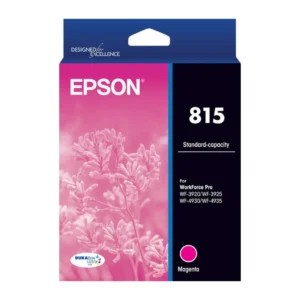
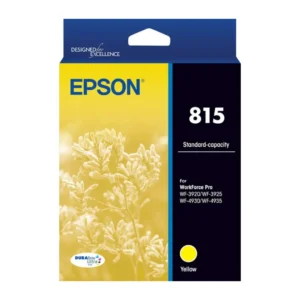
The standard-capacity Epson 815 colour range has a published composite colour yield of up to 450 pages. The high-capacity Epson 815XL colour range has a published composite colour yield of up to 1,200 pages. Both cyan cartridges fit the compatible printers listed above.
Can I replace just the cyan cartridge?
Yes. These printers use individual ink cartridges, so you can replace cyan separately when required.
Can I update my printer’s firmware when using genuine Epson inks?
Genuine Epson cartridges are the intended supplies for these printers. Follow Epson’s update instructions to keep your firmware current. Firmware updates may affect the operation of non-genuine or altered cartridges.
Delivery Information
We ship from warehouses located in Adelaide, Melbourne, Sydney, Brisbane and Perth. Orders are dispatched quickly from the nearest warehouse for fast delivery across Australia.
Reviews
There are no reviews yet.