
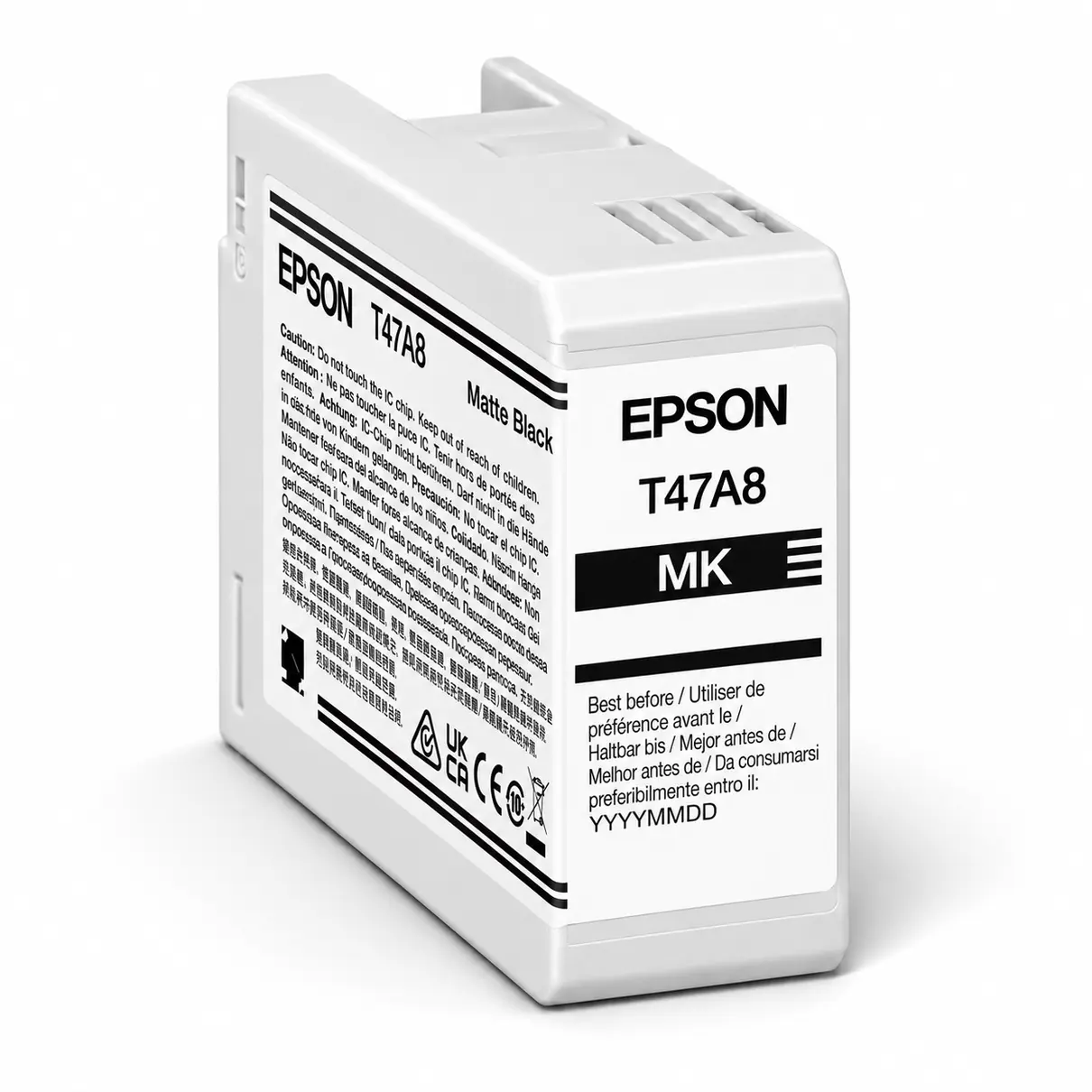

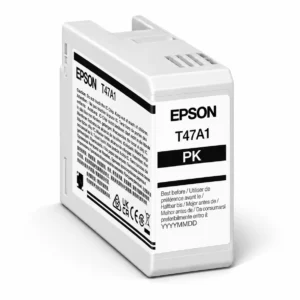
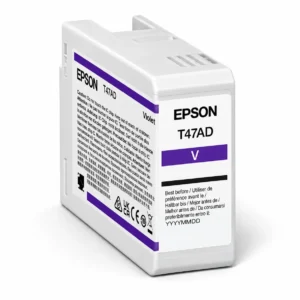
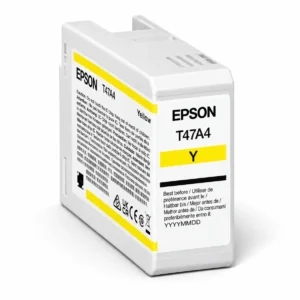
Epson T47A Matte Black Ink Cartridge 50ml
The Epson T47A Matte Black Ink Cartridge 50ml is a genuine Epson replacement ink cartridge designed for the Epson SureColor P906 professional photographic printer.
Matte Black ink is specially suited to printing on compatible matte photographic papers and fine-art media. It helps produce rich black tones, detailed shadows and excellent contrast, making it particularly useful for professional photography, monochrome images and fine-art reproductions.
Containing 50ml of Matte Black pigment ink, this cartridge forms part of the SureColor P906’s advanced 10-colour ink system. Each cartridge is individually replaceable, allowing you to replace only the ink colour that requires changing.
Product Details & Key Features
- Genuine Epson T47A Matte Black Ink Cartridge
- Ink colour: Matte Black
- Ink capacity: 50ml
- Compatible with Epson SureColor P906
- Part of Epson’s 10-colour UltraChrome PRO10 pigment ink system
- Designed for professional photographic and fine-art printing
- Produces rich black tones and detailed shadow areas
- Supports excellent contrast on compatible matte printing media
- Suitable for black-and-white and colour photographic printing
- Ideal for matte photographic papers and fine-art media
- Individually replaceable cartridge
- Product code: C13T47A80N
Compatible Printers
– Epson SureColor P906
This cartridge is designed for the Epson SureColor P906 professional photographic printer. Always confirm your printer model and cartridge number before ordering, as other Epson SureColor printers may require different ink cartridges.
Matte Black Ink for Professional Photography
Matte Black ink is an important component of the Epson SureColor P906’s professional photographic ink system.
Unlike Photo Black ink, which is primarily suited to glossy and lustre photographic media, Matte Black ink is designed to produce rich black tones on compatible matte and fine-art papers.
This makes it particularly useful for printing:
- Black-and-white fine-art photography
- Professional photographic portraits
- Landscape photographs with deep shadow areas
- Fine-art reproductions and exhibition prints
- Images printed on matte photographic paper
- Photographs requiring strong contrast and detailed black tones
Matte Black ink helps maintain depth and detail in darker photographic areas while supporting smooth tonal reproduction across the image.
Epson UltraChrome PRO10 Ink Technology
The Epson SureColor P906 uses a 10-colour UltraChrome PRO10 pigment ink system developed for professional photographic and fine-art printing.
The Matte Black cartridge works alongside the printer’s other ink colours to produce detailed photographic output with accurate tonal reproduction.
The SureColor P906 supports both Photo Black and Matte Black inks, allowing the printer to use the appropriate black ink for different media types.
When combined with suitable photographic paper and the correct printer settings, Matte Black ink helps achieve professional results on compatible matte and fine-art surfaces.
Ink Capacity & Usage
Each Epson T47A Matte Black cartridge contains 50ml of ink.
Professional photographic ink cartridges are generally specified by ink volume rather than a fixed page yield.
Actual ink consumption depends on several factors, including:
- Print size, including A4, A3, A3+ and A2+
- Image content and black ink coverage
- Black-and-white or colour photographic printing
- Selected print quality and resolution
- Matte photographic or fine-art media type
- Printer maintenance and print-head cleaning
Images containing extensive dark areas or deep black backgrounds may consume more Matte Black ink than photographs with predominantly lighter tones.
Matte Black vs Photo Black Ink
The Epson SureColor P906 uses both Matte Black and Photo Black cartridges as part of its professional ink system.
Matte Black is designed for compatible matte photographic papers and fine-art media, helping produce rich black tones and detailed shadows on these surfaces.
Photo Black is primarily used for compatible glossy, semi-gloss and lustre photographic papers, where deep blacks and smooth tonal reproduction are important.
The printer selects the appropriate black ink according to the chosen media settings. Both cartridges are part of the printer’s ink system and should be installed as required.
Replacing Your Epson T47A Matte Black Cartridge
When your Epson SureColor P906 indicates that the Matte Black cartridge requires replacement:
- Keep the printer switched on and follow its cartridge replacement procedure.
- Open the cartridge access area as instructed.
- Remove the depleted Matte Black cartridge.
- Unpack the replacement cartridge only when ready to install it.
- Remove only the protective materials specified in Epson’s instructions.
- Insert the cartridge into the correct Matte Black position and ensure it is properly seated.
- Allow the printer to recognise the cartridge and complete any necessary preparation.
Avoid touching the cartridge’s electronic chip or ink supply areas during installation.
Always follow Epson’s supplied installation instructions.
Maintaining Professional Print Quality
Consistent nozzle performance is essential for professional photographic printing, particularly when reproducing deep black tones and detailed shadow areas.
If you notice banding, missing detail or uneven black reproduction, use the printer’s built-in nozzle check before performing a print-head cleaning.
Only run cleaning cycles when necessary, as these procedures consume ink and contribute to maintenance cartridge usage.
For the best results on matte and fine-art media, select the appropriate paper type and print quality settings recommended for your chosen media.
Printer Firmware Updates
Epson may periodically release firmware updates relating to printer functionality, maintenance, security and compatibility.
If the printer displays an unexpected cartridge recognition message following an update, check that the Matte Black cartridge is correctly installed and that the product code matches your printer’s requirements.
Refer to Epson’s official support resources for firmware updates and technical assistance.
Storage & Handling
Keep unused Epson T47A cartridges sealed in their original packaging until required.
Store in a cool, dry location away from direct sunlight and excessive heat.
Avoid touching the electronic chip or ink supply port when handling cartridges, and follow Epson’s recommended storage and installation instructions.
Delivery Information
We ship from warehouses located in Adelaide, Melbourne, Sydney, Brisbane and Perth. Orders are dispatched quickly from the nearest warehouse for fast delivery across Australia.
Frequently Asked Questions
Which printer uses the Epson T47A Matte Black cartridge?
The cartridge is designed for the Epson SureColor P906 professional photographic printer.
How much ink does the cartridge contain?
The Epson T47A Matte Black cartridge contains 50ml of ink.
Is this a genuine Epson cartridge?
Yes. This is a genuine Epson replacement ink cartridge.
What is Matte Black ink used for?
Matte Black ink is designed for printing on compatible matte photographic papers and fine-art media, helping produce deep black tones, strong contrast and detailed shadows.
What is the difference between Matte Black and Photo Black ink?
Matte Black is primarily used for compatible matte and fine-art papers, while Photo Black is designed for compatible glossy, semi-gloss and lustre photographic media.
Does the Epson SureColor P906 use both Matte Black and Photo Black cartridges?
Yes. Both cartridges form part of the printer’s ink system, with the appropriate black ink selected according to the media settings.
Can Matte Black ink be used for colour photographs?
Yes. Matte Black can contribute to black tones and shadow detail in colour photographs printed on compatible matte and fine-art media.
How many photographs can I print with one cartridge?
There is no fixed print yield. Ink consumption varies according to photograph size, image coverage, print settings and printer maintenance.
Can I replace only the Matte Black cartridge?
Yes. The SureColor P906 uses individually replaceable cartridges, so you only need to replace the cartridge that requires changing.
Should I clean the print head after replacing the cartridge?
Not routinely. If print quality is affected, perform a nozzle check first and only run a cleaning cycle when necessary.
What is the product code?
The Epson product code is C13T47A80N.
Reviews
There are no reviews yet.