
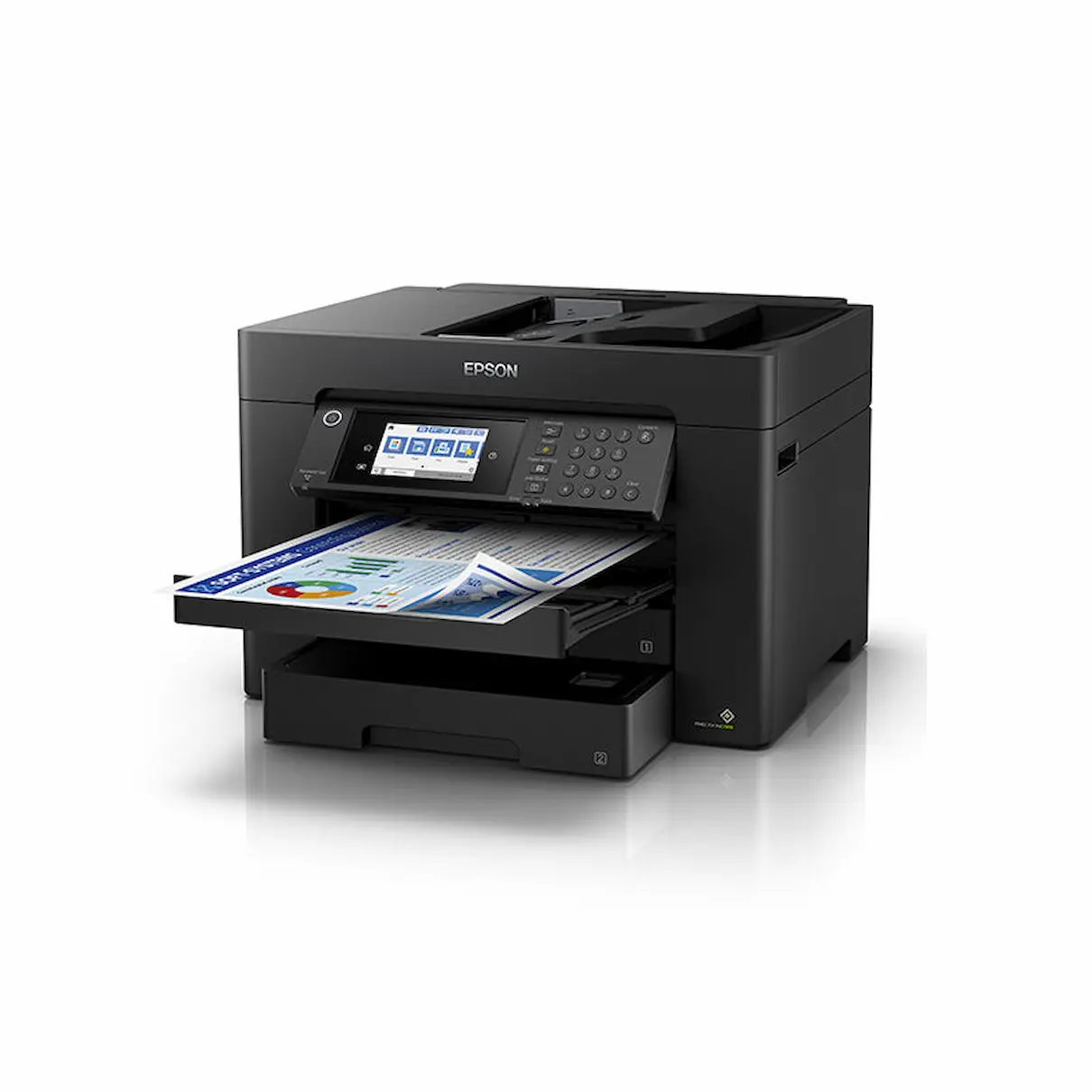



Epson WorkForce WF-7845 A3 Colour Multi-Function Printer
The Epson WorkForce WF-7845 is a powerful and flexible A3 office printer designed for businesses that need high-volume, professional-quality printing. With support for print, copy, scan and fax—plus full A3 capability across printing and scanning—it is an ideal choice for home offices, small businesses and workgroups.
Print speeds reach up to 25 ISO ppm (black) and 12 ISO ppm (colour), ensuring fast document turnaround. A 500-sheet dual-tray configuration plus a rear specialty feed provides flexible media handling. The 50-page Automatic Document Feeder supports 2-sided scanning, copying and faxing, making the WF-7845 extremely efficient for multi-page workflows.
Featuring Wi-Fi Direct, Ethernet and easy mobile connectivity, this model prints seamlessly from desktops, tablets and smartphones. The 4.3-inch colour touchscreen makes navigation simple, and built-in OCR allows users to convert scans into editable text or searchable PDFs.
The printer uses Epson 812 standard and 812XL high-yield cartridges, allowing businesses to choose the most cost-effective ink option for their printing volume.
Key Features
• A3 print, copy, scan and fax
• 25 ISO ppm (black), 12 ISO ppm (colour)
• 500-sheet capacity with dual paper trays
• Rear specialty feed for thicker media
• Auto 2-sided print, copy, scan and fax
• 50-page Auto Document Feeder (ADF)
• 4.3″ colour touchscreen
• OCR for editable text and PDF creation
• Wi-Fi Direct, Ethernet and mobile printing
Compatible Ink Cartridges
Standard Yield:
• 812 Black
• 812 Cyan
• 812 Magenta
• 812 Yellow
High Yield (XL):
• 812XL Black
• 812XL Cyan
• 812XL Magenta
• 812XL Yellow
Maintenance Consumable
• C12C934591 Maintenance Cartridge
What’s in the Box
• Epson WF-7845 Printer
• Setup 812 ink cartridges
• Power cord
• Documentation & setup materials
• USB cable not included
Which ink cartridges does the Epson WF-7845 use?
Does the WF-7845 support A3 printing and scanning?
Does the printer include duplex capability?
How much paper can the WF-7845 hold?
Does the Epson WF-7845 have an Automatic Document Feeder?
Printer Purchase Information (Important)
Printer warranties are provided directly by the printer manufacturer, not Inkjet Online. For warranty, technical support or troubleshooting enquiries, customers may be required to contact the manufacturer’s support service, as the manufacturer is best placed to diagnose printer faults and provide warranty assistance.
Change-of-mind returns are not accepted for printers. Once a printer has been opened, powered on or had ink, toner or other consumables installed, it is non-returnable for change-of-mind purposes. Customers should carefully check the printer’s specifications, features, dimensions, connectivity and operating system compatibility before purchasing to ensure the model is suitable for their requirements.
USB Cable Information
USB printer cables are not supplied unless specifically stated in the product contents. If you intend to connect the printer directly to a computer by USB, a compatible USB cable may need to be purchased separately.
Please check the printer’s available connection types and your computer or device before purchasing a cable, as USB connection requirements can vary between printer models.
Bulky Item Delivery
Printers are bulky items and are not eligible for free delivery. Additional freight charges apply and are calculated according to the printer, delivery location and available freight service.
Printers may be transported by road freight rather than air freight, depending on the model, destination and carrier. Road freight can take longer than standard delivery services, particularly for interstate and regional deliveries, so please allow additional transit time when ordering a printer. We ship from warehouses located in Adelaide, Melbourne, Sydney, Brisbane and Perth. Orders are dispatched quickly from the nearest warehouse for fast delivery across Australia.
Reviews
There are no reviews yet.