
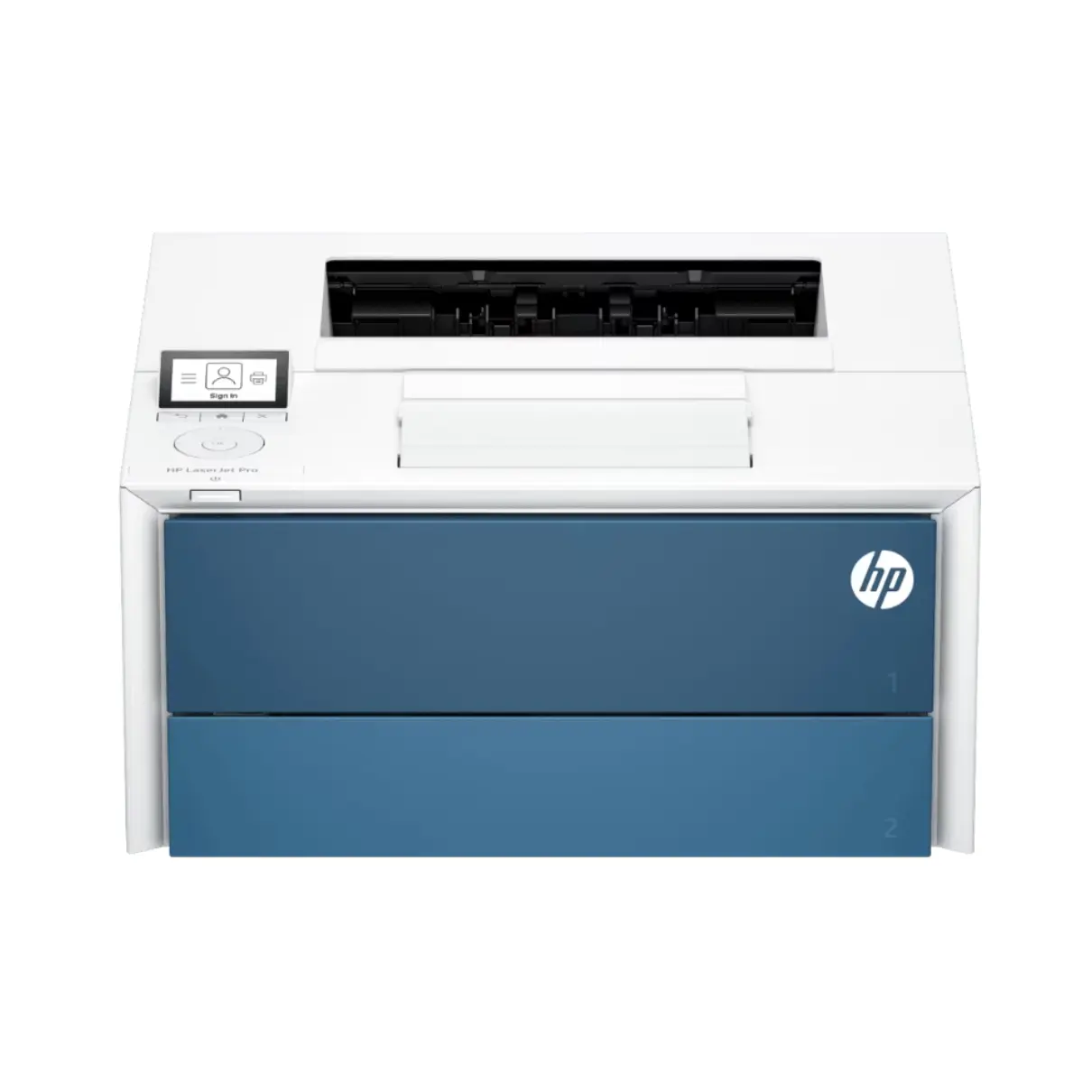
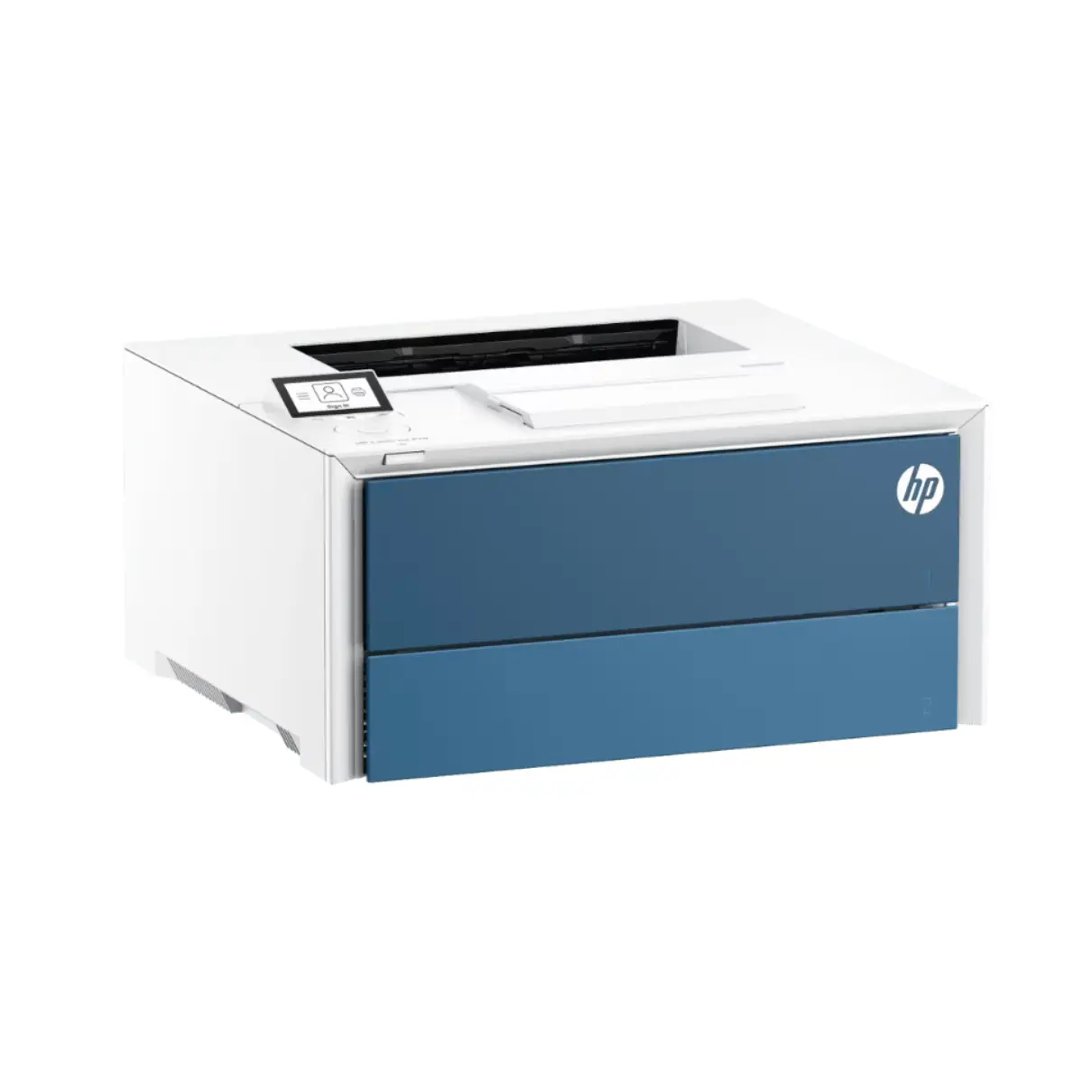
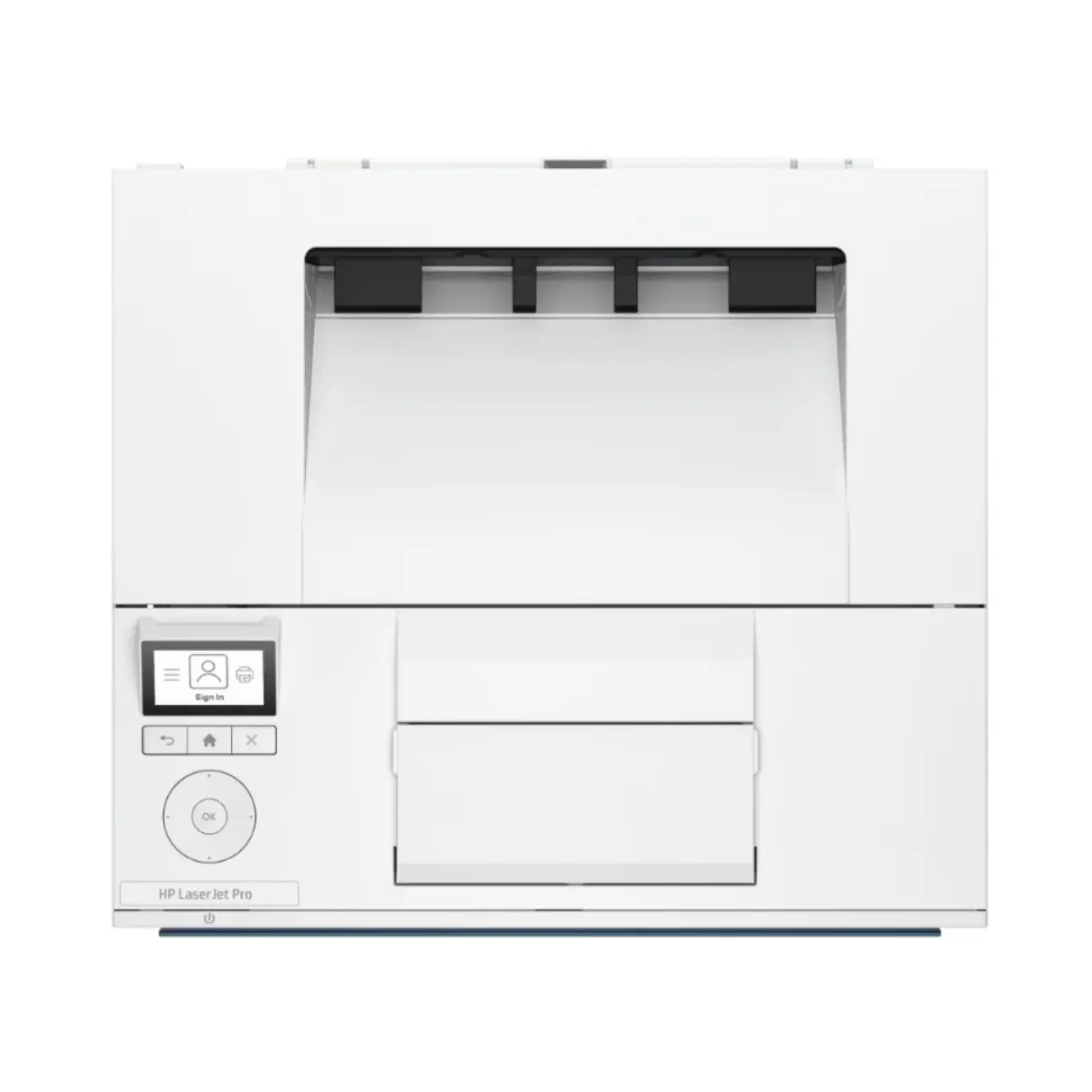

HP LaserJet Pro 4006dn A4 Mono Laser Printer
The HP LaserJet Pro 4006dn prints A4 black-and-white documents at up to 45 pages per minute. It’s suited to offices that regularly print invoices, reports and forms. Automatic double-sided printing helps reduce paper use without having to turn sheets by hand.
Connect directly to a computer via USB or share the printer over a wired network using Gigabit Ethernet.
Features
- A4 monochrome laser printer with print-only functionality.
- Prints up to 45 pages per minute on A4 paper.
- Automatic double-sided printing.
- Black print resolution up to 1,200 x 1,200 dpi.
- Hi-Speed USB 2.0 and Gigabit Ethernet connectivity.
- Dimensions: 369 x 375 x 193 mm (W x D x H) with trays and covers closed.
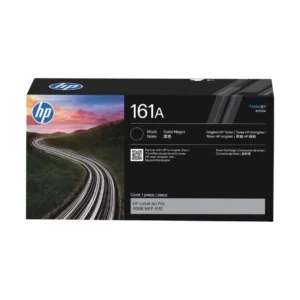
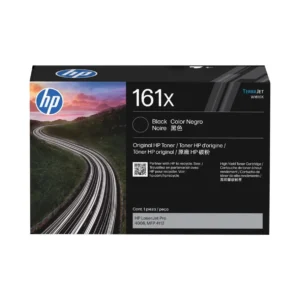
- Replacement toner: HP 161A Black (W1610A) or HP 161X High Yield Black (W1610X).
- Product code: 8X3D4A.
Frequently Asked Questions
Does the HP LaserJet Pro 4006dn have Wi-Fi?
This model connects via USB or wired Ethernet. It does not have built-in Wi-Fi.
Can it scan or copy?
The HP LaserJet Pro 4006dn is a print-only model.
Which toner cartridges does it use?
It uses the HP 161A Black Toner Cartridge (W1610A), rated for up to 3,000 pages, or the HP 161X High Yield Black Toner Cartridge (W1610X), rated for up to 10,000 pages. Actual yield varies with the documents you print.
Printer Purchase Information (Important)
HP provides the manufacturer’s warranty for this printer. For technical support, troubleshooting or assistance under HP’s warranty, contact HP Support.
Change-of-mind returns are not accepted for printers. Once a printer has been opened, powered on or had ink, toner or other consumables installed, it is non-returnable for change-of-mind purposes. Customers should carefully check the printer’s specifications, features, dimensions, connectivity and operating system compatibility before purchasing to ensure the model is suitable for their requirements.
USB Cable Information
USB printer cables are not supplied unless specifically stated in the product contents. If you intend to connect the printer directly to a computer by USB, a compatible USB cable may need to be purchased separately.
Please check the printer’s available connection types and your computer or device before purchasing a cable, as USB connection requirements can vary between printer models.
Bulky Item Delivery
Printers are bulky items and are not eligible for free delivery. Additional freight charges apply and are calculated according to the printer, delivery location and available freight service.
Printers may be transported by road freight rather than air freight, depending on the model, destination and carrier. Road freight can take longer than standard delivery services, particularly for interstate and regional deliveries, so please allow additional transit time when ordering a printer. We ship from warehouses located in Adelaide, Melbourne, Sydney, Brisbane and Perth. Orders are dispatched quickly from the nearest warehouse for fast delivery across Australia.
Reviews
There are no reviews yet.