
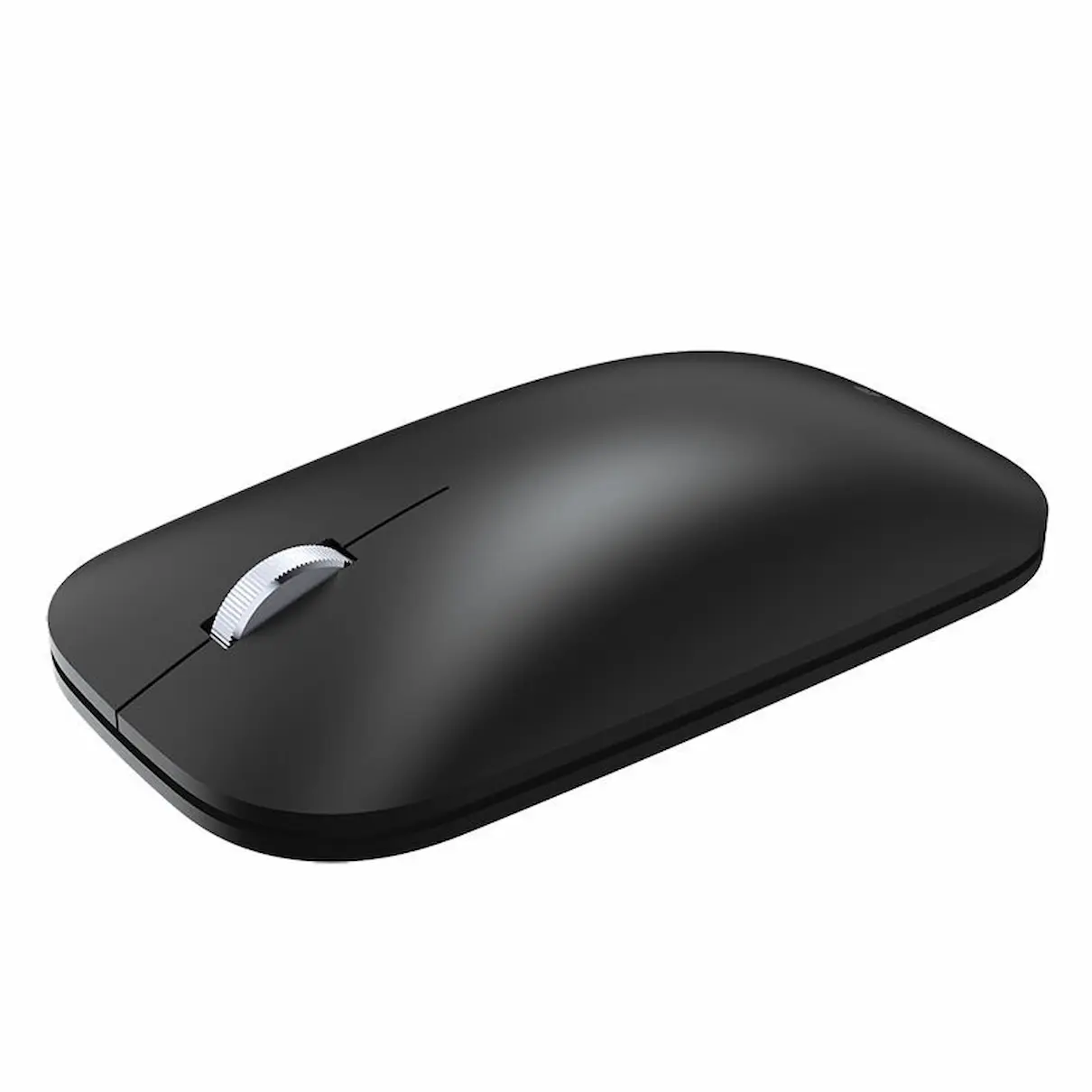


Incase Designed by Microsoft Modern Mobile Bluetooth Mouse Black
Enjoy precise navigation in a slim, portable design with the Incase Designed by Microsoft Modern Mobile Mouse in Black. Thin and lightweight, it fits easily into your workday whether you are at your desk, moving between meetings or travelling with your laptop.
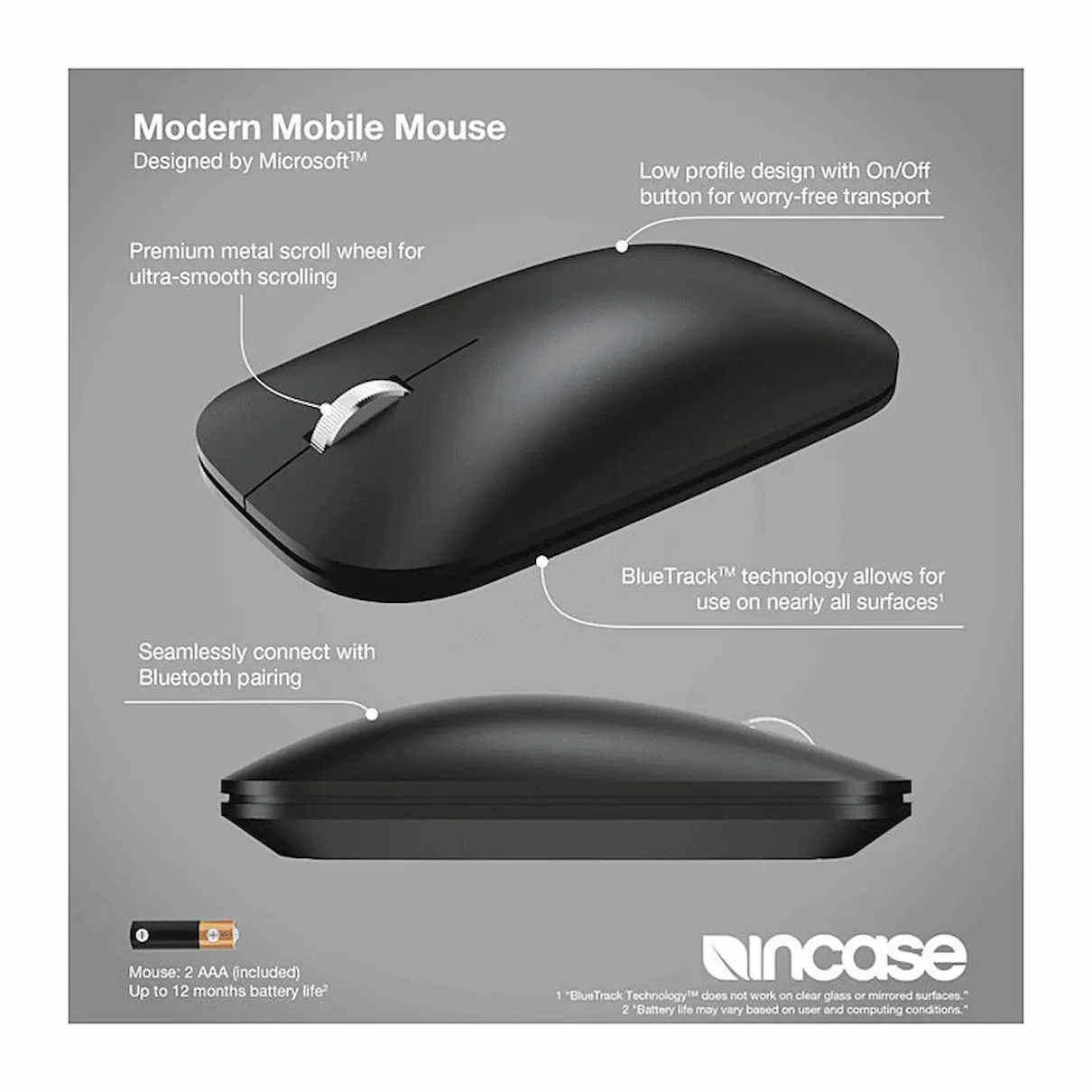
Bluetooth connectivity keeps your workspace free of mouse cables, while smooth scrolling makes browsing documents and webpages comfortable. BlueTrack Technology delivers tracking on a wide range of surfaces, giving you flexibility when working in different locations.
Product Details
- Brand: Incase
- Design: Designed by Microsoft
- Model: Modern Mobile Mouse
- Product type: Wireless Bluetooth mouse
- Colour: Black
- Tracking technology: BlueTrack
- Connectivity requirement: Bluetooth 4.0 or higher
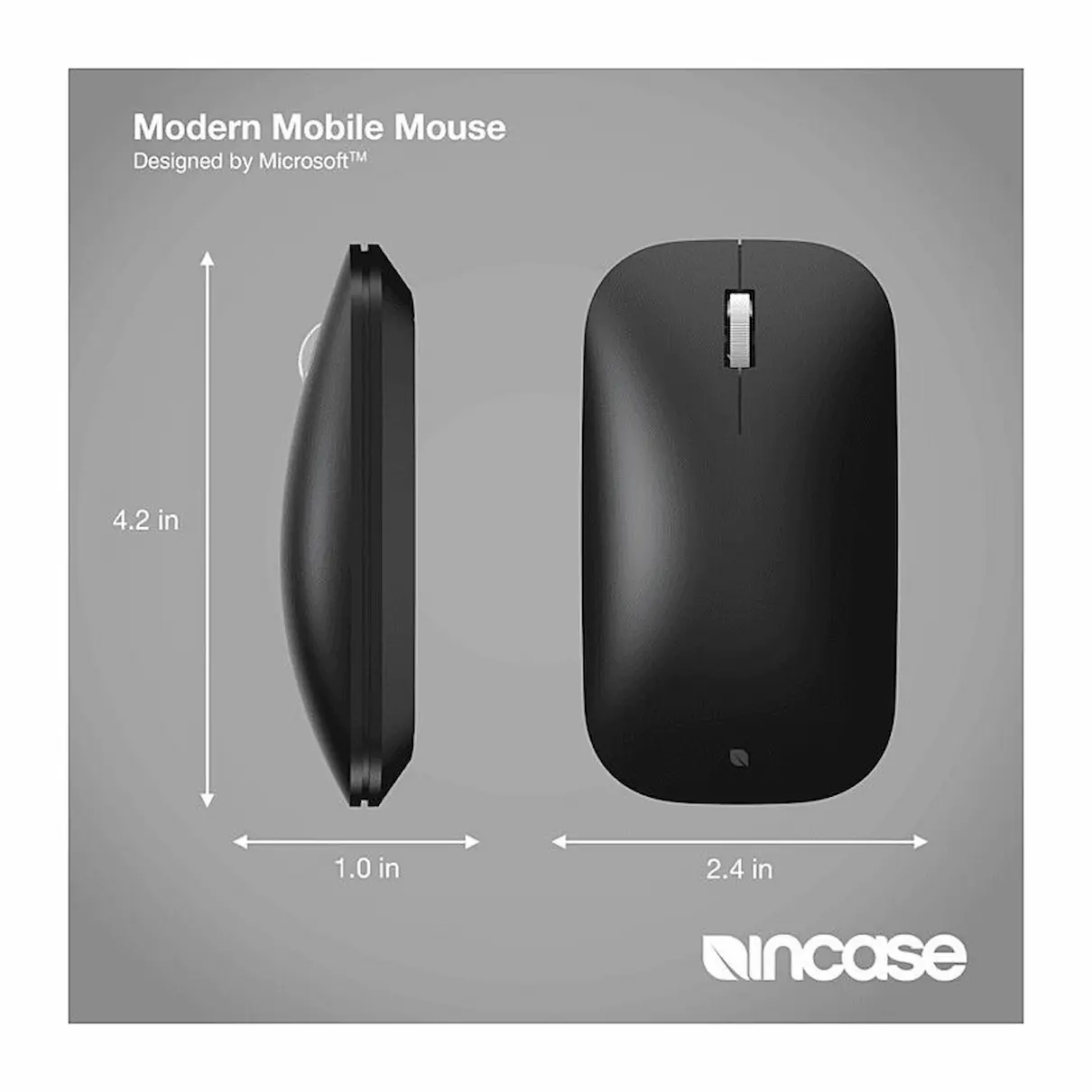
- Dimensions: 4.2 x 2.4 x 1.0 inches
- Materials: ABS and aluminium
- Product code: KTF-00005
Key Features
- Thin, lightweight design: Convenient to carry alongside your laptop.
- Bluetooth connectivity: Connects wirelessly to compatible devices without a separate USB receiver.
- Smooth scrolling: Comfortable navigation through documents, websites and everyday tasks.
- BlueTrack Technology: Provides precise tracking across a wide range of surfaces.
- Streamlined design: Suits home offices, shared workspaces and mobile work setups.
Compatible Devices and Operating Systems
Requires a compatible device with Bluetooth 4.0 or higher. Incase lists the following operating systems:
- Windows 11 and Windows 10
- macOS 15 and macOS 10.15
- iPadOS 18
Software compatibility note: This mouse is not compatible with Microsoft Mouse and Keyboard Center or Microsoft Accessory Center. It connects through your device’s Bluetooth settings; these utilities cannot be used to customise it.
Frequently Asked Questions
Does the mouse need a USB receiver?
No. It connects directly to a compatible device through Bluetooth. Bluetooth 4.0 or higher is required.
Can I use it with a Windows PC or Mac?
Yes. Incase lists Windows 11, Windows 10, macOS 15 and macOS 10.15 among the supported operating systems. Your device must also meet the Bluetooth requirement.
Can I use it with an iPad?
Incase lists iPadOS 18 as compatible. The device must support Bluetooth 4.0 or higher.
What does the Microsoft utilities compatibility note mean?
The mouse works through Bluetooth, but Microsoft Mouse and Keyboard Center and Microsoft Accessory Center cannot be used to configure its settings. Standard pointer settings are managed through your operating system.
How do I pair the mouse?
Press and hold the mouse’s Bluetooth button for three seconds. Open your device’s Bluetooth settings, add a Bluetooth device and select Modern Mobile Mouse.
Delivery Information
We ship from warehouses located in Adelaide, Melbourne, Sydney, Brisbane and Perth. Orders are dispatched quickly from the nearest warehouse for fast delivery across Australia.
Reviews
There are no reviews yet.