
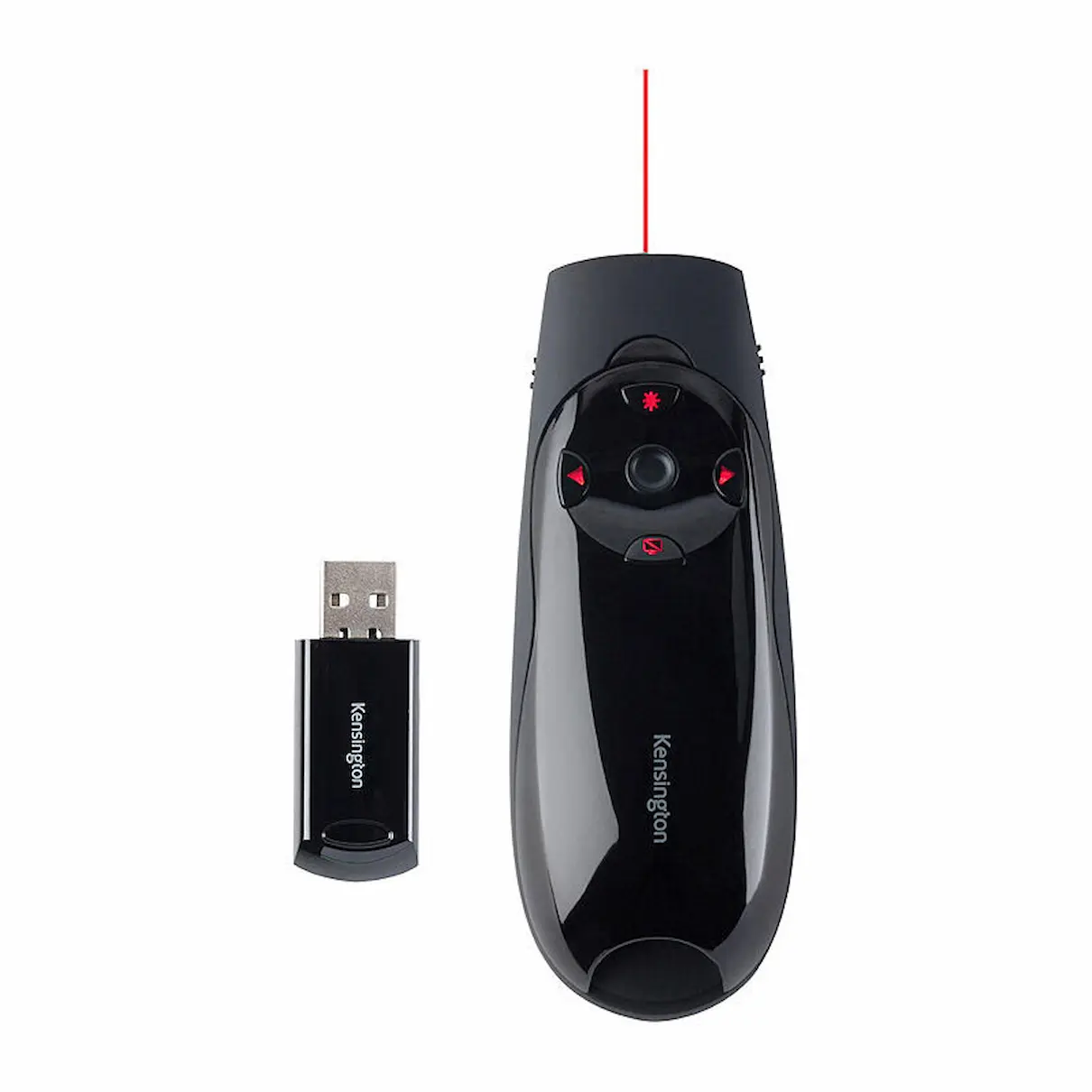

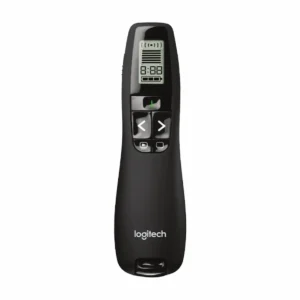
Kensington Presenter Expert Red Laser with Cursor Control
Manage your slides and computer cursor with the Kensington Presenter Expert Red Laser. Switch between presentation and cursor control modes to navigate your slides and access on-screen content from one handheld device.
The red laser pointer helps highlight presentation details, while backlit buttons make the controls easier to locate in dimly lit rooms. A plug-and-play USB wireless connection keeps setup straightforward.
Product Details
- Brand: Kensington
- Range: Presenter Expert
- Product type: Wireless presentation remote
- Laser colour: Red
- Connection: 2.4GHz wireless via USB receiver
- Wireless range: Up to 150 feet, approximately 45 metres
- Cursor control: Joystick
- Controls: Slide forward/back, screen blackout and laser activation
- Compatibility: Windows 10, 8.1, 8, 7 and Mac OS X
- Product code: K72425
Why Choose the Kensington Presenter Expert?
The Presenter Expert combines slide navigation, laser pointing and cursor control for convenient presenting. Use the joystick to move your computer’s pointer without returning to your desk, and store the USB receiver inside the presenter between sessions.
Key Features
- Red laser pointer for highlighting presentation content
- Joystick cursor control with up, down, left and right movement
- Switch between presentation and cursor control modes
- Backlit slide navigation, screen blackout and laser controls
- Wireless range of approximately 45 metres
- Plug-and-play 2.4GHz USB wireless connection
- Internal storage for the USB receiver
- Contoured grip for comfortable handling
Frequently Asked Questions
Can it control the computer cursor?
Yes. Switch to cursor control mode and use the joystick to move the pointer up, down, left and right.
What presentation controls are available?
The backlit buttons let you move slides forward and back, black out the screen and activate the red laser pointer.
Does it connect through Bluetooth?
No. It connects through a 2.4GHz wireless USB receiver.
Where can I store the USB receiver?
The presenter includes internal storage for the receiver when it is not in use.
Which operating systems are listed as compatible?
The listed compatibility is Windows 10, 8.1, 8, 7 and Mac OS X.
Delivery Information
We ship from warehouses located in Adelaide, Melbourne, Sydney, Brisbane and Perth. Orders are dispatched quickly from the nearest warehouse for fast delivery across Australia.
Reviews
There are no reviews yet.