
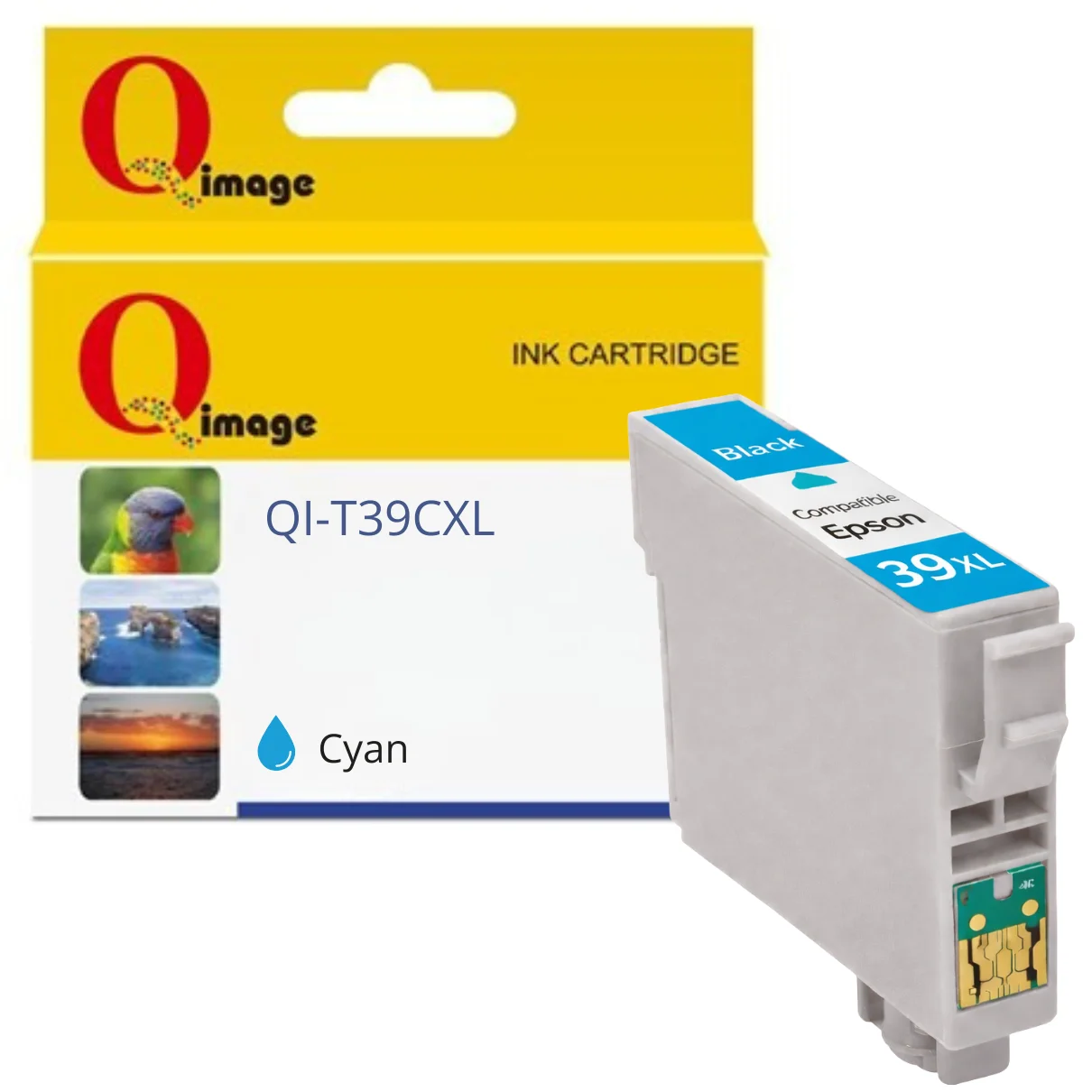

Compatible Epson 39XL Cyan Ink Cartridge
Compatible Replacement for Epson 39XL Cyan Ink
This compatible Epson 39XL cyan ink cartridge is a cost-effective alternative to genuine Epson ink, suitable for everyday colour printing. It is designed to fit Epson Expression Home printers that use the 39XL ink series and installs directly into the printer without modification.
Firmware & Installation Notice (Important)
Epson printers use firmware to detect and restrict non-genuine ink cartridges. Updating your printer’s firmware may cause compatible ink cartridges to stop being recognised or display error messages. To avoid compatibility issues, it is strongly recommended that automatic firmware updates are disabled in your printer settings when using compatible ink cartridges.
If firmware updates are installed, the printer may display messages such as “Ink cartridge is not recognised”, “Ink cartridges cannot be recognised”, or “Replace cartridges”. These issues are firmware-related and are not a fault with the cartridge itself.
Installation Instructions – Compatible Epson 39XL Ink Cartridges
At the first use of compatible Epson 39XL ink cartridges it is necessary to follow the steps below:
- Tear off the yellow label before installing the cartridge.
- If the printer displays “Ink cartridge is not recognised” after installation, remove and reinstall the cartridge.
• You may need to reinstall the cartridge several times before it is accepted. - Once installation is complete, run a printer nozzle check to ensure good print performance.
• If nozzle clogging is detected, perform a print head cleaning cycle. - When ink levels are low, the printer will display “It’s almost time to replace ink cartridges!”.
- When the printer displays “Ink cartridges cannot be recognised”, “Replace cartridges”, or shows an “X” on the cartridge indicator, replace the cartridge with a new one.
Compatible Printers
Epson Expression Home XP-2105
Epson Expression Home XP-4105
Page Yield
Up to 350 pages (based on standard test coverage)
Delivery Information
We ship from warehouses located in Adelaide, Melbourne, Sydney, Brisbane and Perth. Orders are dispatched quickly from the nearest warehouse for fast delivery across Australia.
Is this a genuine Epson ink cartridge?
No. This is a compatible replacement ink cartridge designed for Epson printers that use the 39XL ink series.
Which printers are compatible with this cartridge?
This cartridge is compatible with Epson Expression Home XP-2105 and XP-4105 printers.
Will firmware updates affect this cartridge?
Yes. Epson firmware updates may block or disable compatible ink cartridges. To avoid recognition issues, automatic firmware updates should be disabled.
What should I do if the cartridge is not recognised?
Remove and reinstall the cartridge. You may need to reinstall it several times before the printer accepts it.
Where do you ship from?
We ship from warehouses located in Adelaide, Melbourne, Sydney, Brisbane and Perth.
Reviews
There are no reviews yet.