



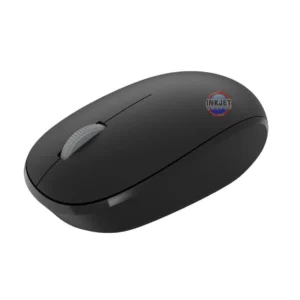
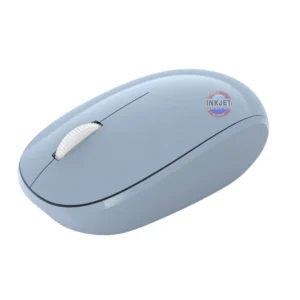
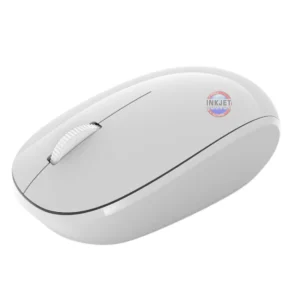
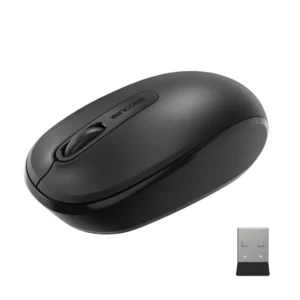


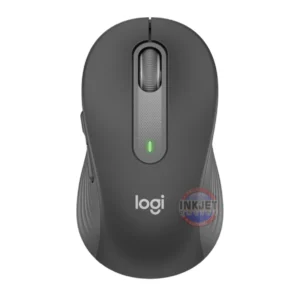

Logitech M190 Wireless Mouse (Charcoal)
Logitech M190 Wireless Mouse – Charcoal
The Logitech M190 Wireless Mouse is designed for comfortable everyday computing with reliable wireless performance. Featuring a full-size contoured shape, the M190 provides natural hand support and smooth cursor control, making it ideal for both home and office use.
With a dependable 2.4GHz wireless connection, the mouse connects easily using the included nano USB receiver. The simple plug-and-play setup means no additional software installation is required — simply connect the receiver and start working. Smooth optical tracking ensures accurate cursor movement across most surfaces, while the scroll wheel allows easy navigation through documents and web pages.
Powered by a single AA battery (included), the Logitech M190 is built for efficient and dependable everyday performance. Its lightweight design and compact receiver make it easy to use with desktop computers or laptops.
Product Features
• Logitech M190 Wireless Mouse – Charcoal
• Reliable 2.4GHz wireless connection
• Smooth optical sensor for accurate cursor control
• Three-button design with scroll wheel
• USB nano receiver for simple plug-and-play setup
• Compatible with Windows, macOS, ChromeOS and Linux systems
• Powered by 1 × AA battery (included)
• Dimensions: 115.4 × 66.1 × 40.3 mm
• Weight: 89.9 g
• Logitech product code: 910-005913
What’s in the Box
• Logitech M190 Wireless Mouse – Charcoal
• AA battery (pre-installed)
• User documentation
Delivery Information
We ship from warehouses located in Adelaide, Melbourne, Sydney, Brisbane and Perth. Orders are dispatched quickly from the nearest warehouse for fast delivery across Australia.
Is the Logitech M190 wireless mouse easy to set up?
Yes — simply plug the nano USB receiver into your computer’s USB port and the mouse will connect automatically without the need for additional software.
What operating systems is the Logitech M190 compatible with?
The Logitech M190 is compatible with Windows 10 or later, macOS 10.10 or later, ChromeOS and Linux systems.
How many buttons does the Logitech M190 have?
The mouse includes three buttons: left click, right click and a middle scroll-wheel button.
Does the Logitech M190 require batteries?
Yes — the Logitech M190 is powered by one AA battery, which is included and pre-installed with the mouse.
Where do you ship from?
Orders are dispatched from warehouses located in Adelaide, Melbourne, Sydney, Brisbane and Perth for fast delivery across Australia.
Reviews
There are no reviews yet.