
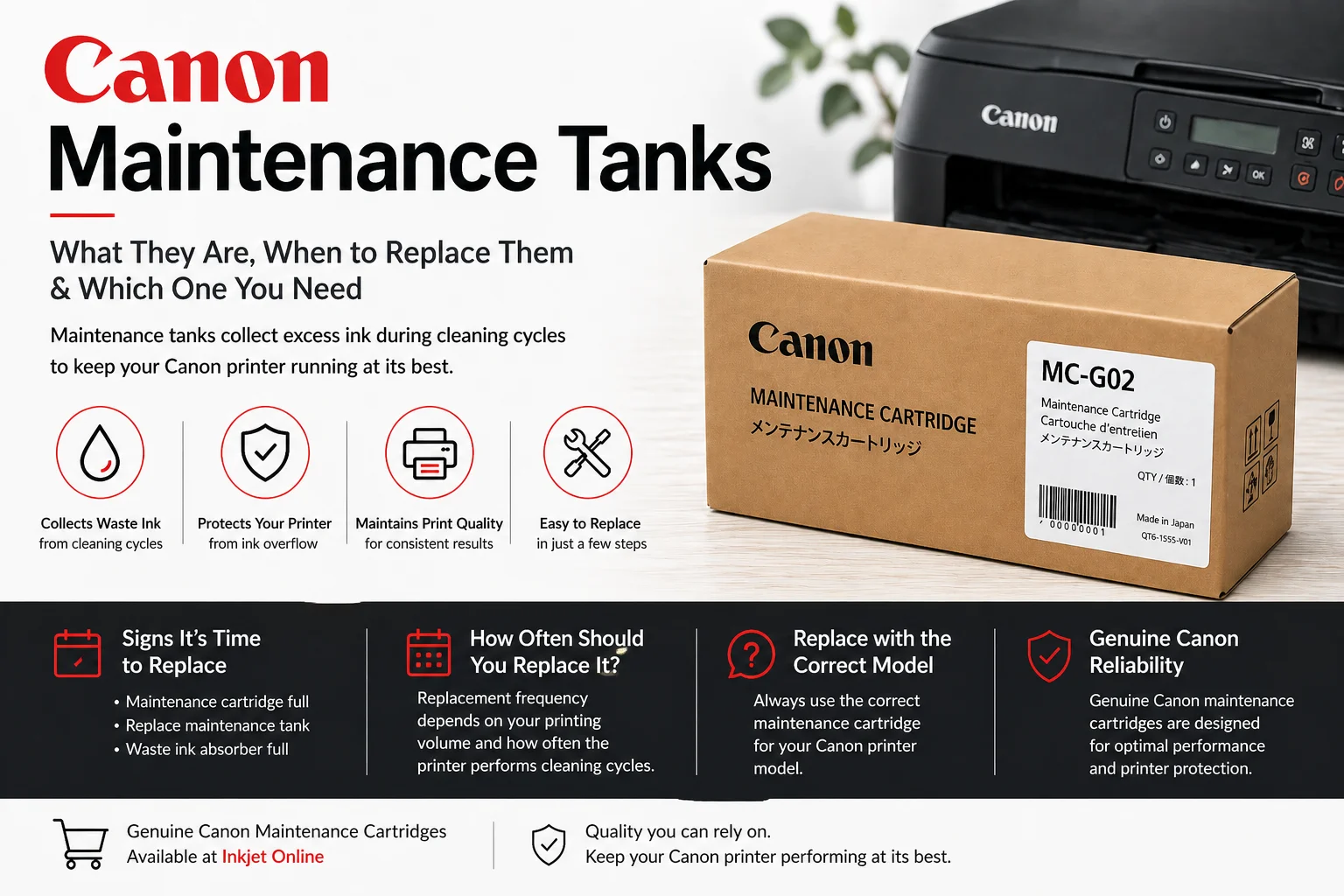
Canon Maintenance Tanks Explained: What They Are, When to Replace Them & Which One You Need
Canon maintenance tanks collect excess ink during printer cleaning cycles. This guide explains what they do, why they need replacing, and which Canon MC20, MC30, MC31, MC32, MC50 or MC-G series maintenance cartridge suits your printer.
What is a Canon maintenance tank?
A Canon maintenance tank, also called a maintenance cartridge or waste ink tank, collects excess ink produced during print head cleaning and printer maintenance cycles. This helps protect the printer from internal ink overflow and keeps the print system operating correctly.
When the maintenance tank becomes full, your Canon printer may display a warning such as maintenance cartridge full, replace maintenance tank or waste ink tank full. In most cases, the printer will stop printing until the correct replacement cartridge is installed.
Why Canon printers need maintenance cartridges
Canon inkjet, MegaTank, MAXIFY and imagePROGRAF printers use maintenance cartridges to handle waste ink from automatic cleaning cycles. These cleaning cycles help prevent blocked nozzles, maintain consistent print quality and protect the print head.
- Collects excess ink from cleaning and priming cycles
- Helps prevent internal ink overflow
- Supports consistent print quality
- Allows the printer to continue operating safely once replaced
How to replace a Canon maintenance tank
The exact process can vary slightly depending on the printer model, but most Canon maintenance tanks are designed to be user-replaceable.
- Check the printer display or software message to confirm the maintenance tank needs replacing.
- Turn the printer off if instructed by your printer manual.
- Open the maintenance cartridge cover, usually located at the side, rear or lower section of the printer.
- Carefully remove the full maintenance cartridge and keep it level to avoid ink spills.
- Insert the new Canon maintenance cartridge firmly into place.
- Close the cover and follow any on-screen prompts to complete the replacement.
Shop Canon maintenance cartridges
Inkjet Online stocks Canon maintenance cartridges for selected Canon PIXMA, MAXIFY, MegaTank and imagePROGRAF printers, including MC20, MC30, MC31, MC32, MC50 and MC-G series cartridges.
Canon maintenance tank compatibility guide
Use the guide below to help identify which Canon maintenance cartridge suits your printer.
Compatible with Canon imagePROGRAF PRO-1000 and PRO-1100 printers.
Compatible with Canon imagePROGRAF PRO-2000, PRO-4000, PRO-4000S, PRO-6000, PRO-6000S, GP-2000, GP-4000, TX-2000, TX-2000 MFP and TX-3000 printers.
Compatible with Canon imagePROGRAF TA-20, TA-30, TM-240, TM-250, TM-340, TM-350, GP-200, GP-300, TM-240LM MFP, TM-240 MFP, TM-250LM MFP, TM-250 MFP, TM-340LM MFP, TM-340 MFP, TM-350LM MFP and TM-350 MFP printers.
Compatible with Canon imagePROGRAF TC-20 printer.
Compatible with Canon WG7650, WG7650 FM and WG7650 MFW printers.
Compatible with Canon MAXIFY GX5060, GX5560, GX6060, GX6160, GX6560, GX7060 and GX7160 printers.
Compatible with Canon PIXMA G660, G3620, G3625, G3660 and G3665 printers.
Compatible with Canon MAXIFY GX3060 and GX4060 printers.
Compatible with Canon PIXMA G3630, G3670, G3675, G3675w and G4670 printers.
Compatible with Canon PIXMA GX1060 and GX2060 MegaTank printers.
Compatible with Canon PIXMA TR7860 and PIXMA TS7760 printers.
Canon MegaTank and MAXIFY maintenance tanks
Many Canon MegaTank and MAXIFY printers use MC-G series maintenance cartridges. These printers are popular for home offices, small businesses and high-volume printing because they use refillable ink tanks instead of standard cartridges.
If you own a Canon PIXMA G-series, MAXIFY GX-series or selected newer PIXMA models, the maintenance cartridge is an important consumable to check when your printer displays a waste ink or maintenance tank warning.
Can you reset a Canon maintenance tank?
Canon maintenance cartridges are designed to be replaced when full. Resetting or reusing a full maintenance tank is not recommended, as excess ink can overflow inside the printer and may cause damage.
For best results, install a new genuine Canon maintenance cartridge that matches your printer model.
Frequently asked questions
What does a Canon maintenance tank do?
A Canon maintenance tank collects waste ink from printer cleaning cycles. It helps protect the printer from internal ink overflow and keeps the print system operating correctly.
How do I know when my Canon maintenance cartridge needs replacing?
Your printer will usually display a message such as maintenance cartridge full, replace maintenance tank or waste ink tank full. Once this appears, the printer may stop printing until the cartridge is replaced.
Are Canon maintenance tanks the same as ink cartridges?
No. Ink cartridges or ink bottles supply ink for printing, while maintenance tanks collect waste ink produced during printer cleaning and maintenance cycles.
Can I keep printing if the maintenance tank is full?
In most cases, no. Canon printers commonly stop printing once the maintenance tank reaches capacity to prevent ink overflow inside the printer.
Where can I buy Canon maintenance cartridges in Australia?
You can buy Canon maintenance cartridges online from Inkjet Online, including selected MC20, MC30, MC31, MC32, MC50 and MC-G series maintenance tanks.
Find the right Canon maintenance cartridge
If your Canon printer is showing a maintenance tank or waste ink warning, replacing the correct maintenance cartridge will help get your printer running again.


