
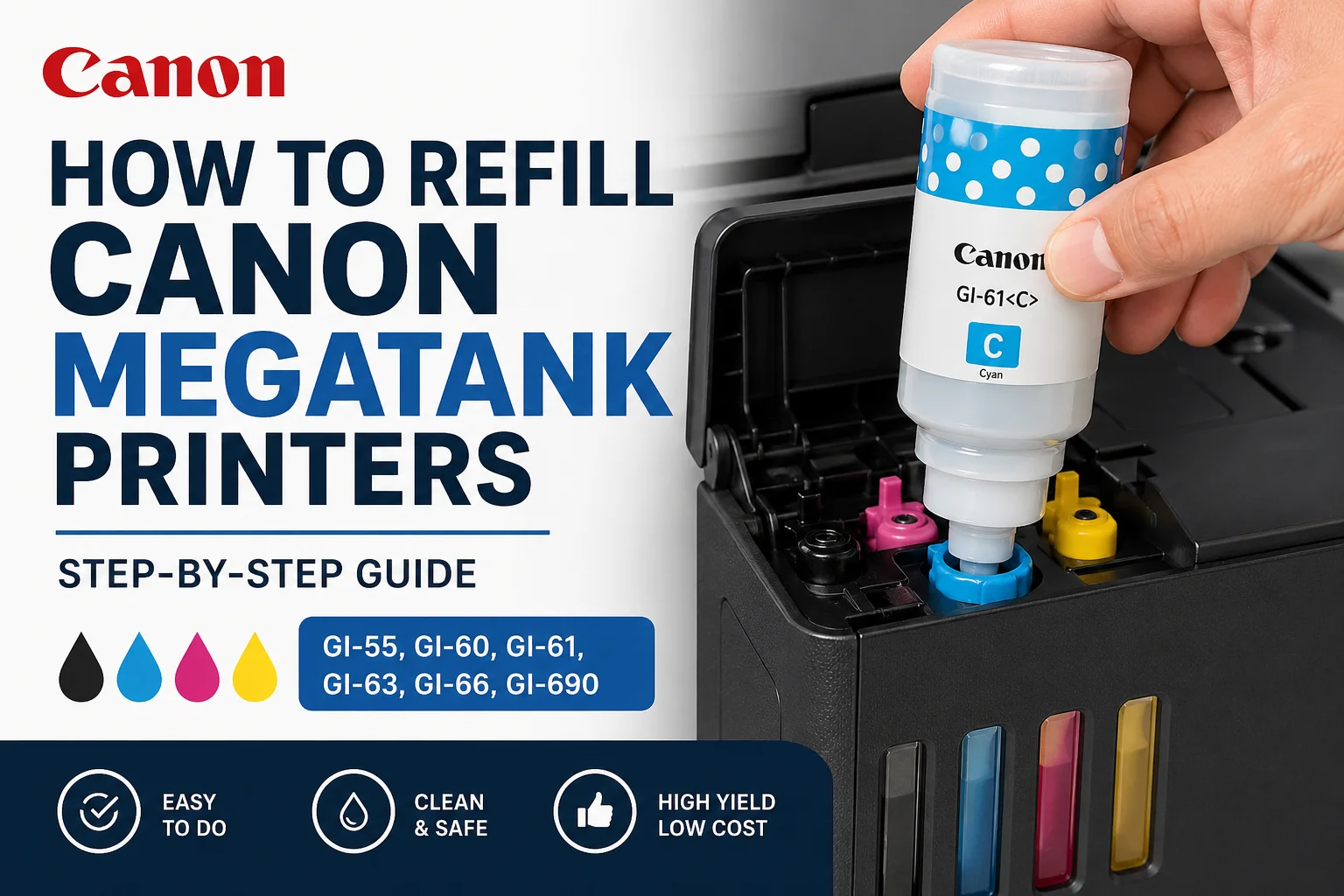
How to Refill Canon MegaTank Printers (Step-by-Step Guide)
Learn how to safely refill your Canon MegaTank printer using genuine GI-series ink bottles including GI-55, GI-60, GI-61, GI-63, GI-66 and GI-690.
How do you refill a Canon MegaTank printer?
To refill a Canon MegaTank printer, open the ink tank cover, insert the correct Canon ink bottle into the tank inlet, and allow the bottle to automatically fill the tank without squeezing.
Step-by-step: Refilling Canon MegaTank printers
- Open the printer’s top cover and locate the ink tank section.
- Open the cap for the colour you want to refill.
- Remove the cap from the ink bottle.
- Insert the bottle into the tank inlet.
- Allow the ink to flow automatically — do not squeeze.
- Once full, remove the bottle and close the cap securely.
- Repeat for other colours if required.
Canon MegaTank ink compatibility guide
GI-55 Ink Bottles
Compatible with Canon MAXIFY GX1060 and GX2060 printers.
GI-60 Ink Bottles
Compatible with Canon PIXMA G6060, G6065, G7060 and G7065 printers.
GI-61 Ink Bottles
Compatible with Canon PIXMA G3620, G3625, G3630, G3660, G3665, G3670, G3675W and G4670 printers.
GI-63 Ink Bottles
Compatible with Canon PIXMA G660 printer (includes additional colours such as grey and red).
GI-66 Ink Bottles
Compatible with Canon MAXIFY GX3060, GX4060, GX5060, GX5560, GX6060, GX6160, GX6560, GX7060 and GX7160 printers.
GI-690 Ink Bottles
Compatible with Canon PIXMA G2600, G2610, G3600, G3610, G4600 and G4610 printers.
Shop Canon MegaTank ink bottles
Common mistakes when refilling MegaTank printers
- Using the wrong ink bottle for your printer
- Squeezing the bottle (not required)
- Overfilling the tank
- Mixing different ink types
Frequently asked questions
Do Canon MegaTank bottles automatically stop filling?
Yes, Canon ink bottles are designed to stop automatically when the tank is full.
Can I use compatible ink?
While compatible inks are available, using genuine Canon ink helps maintain print quality and reliability.
How often do I need to refill?
This depends on your printing volume, but MegaTank printers are designed for high-yield, low-cost printing.


